CONTACT US


PRODUCT HIGHLIGHTS
- Product ConditionNew and Factory Fresh
- Limited Warranty1 Year
- Shipping Weight1 lbs.
- 7680 x 4320
- 8K, 4K
- 2 x 2
- Media Player, Blu-ray Disc Player, Gaming Console, Display, TV, Monitor, Projector1 x DisplayPort In
- 2 x DisplayPort Out
- DisplayPort
2X1 BIDIRECT DISPLAYPORT SWITCH 4K120HZ 8K30HZ HDR HDCP PASSTHROUGH
 In Stock
PRODUCT HIGHLIGHTS
- Product ConditionNew and Factory Fresh
- Limited Warranty1 Year
- Shipping Weight1 lbs.
- 7680 x 4320
- 8K, 4K
- 2 x 2
- Media Player, Blu-ray Disc Player, Gaming Console, Display, TV, Monitor, Projector1 x DisplayPort In
- 2 x DisplayPort Out
- DisplayPort
2X1 BIDIRECT DISPLAYPORT SWITCH 4K120HZ 8K30HZ HDR HDCP PASSTHROUGH
Overview
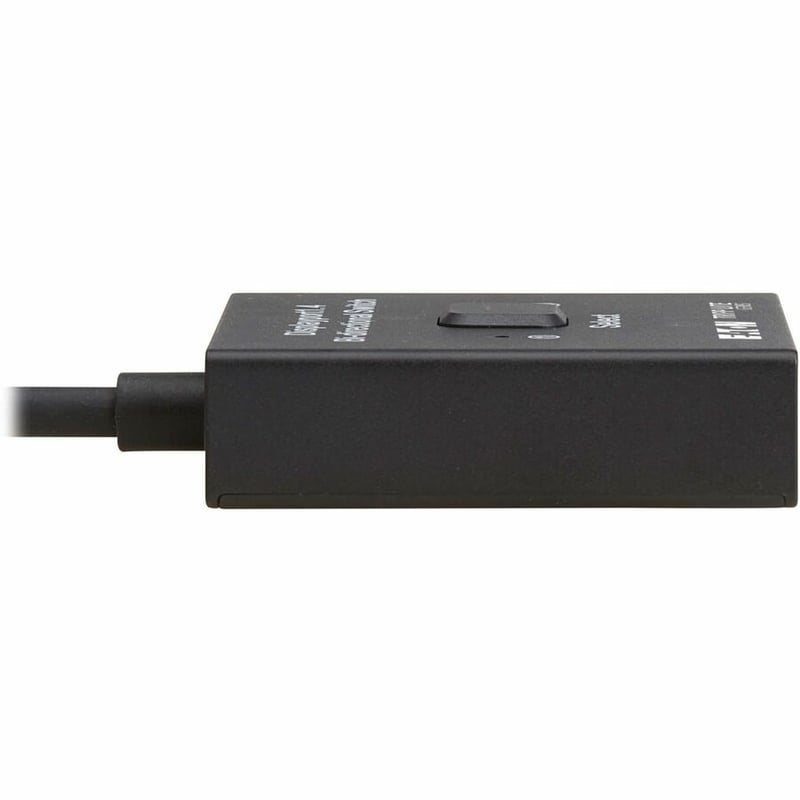
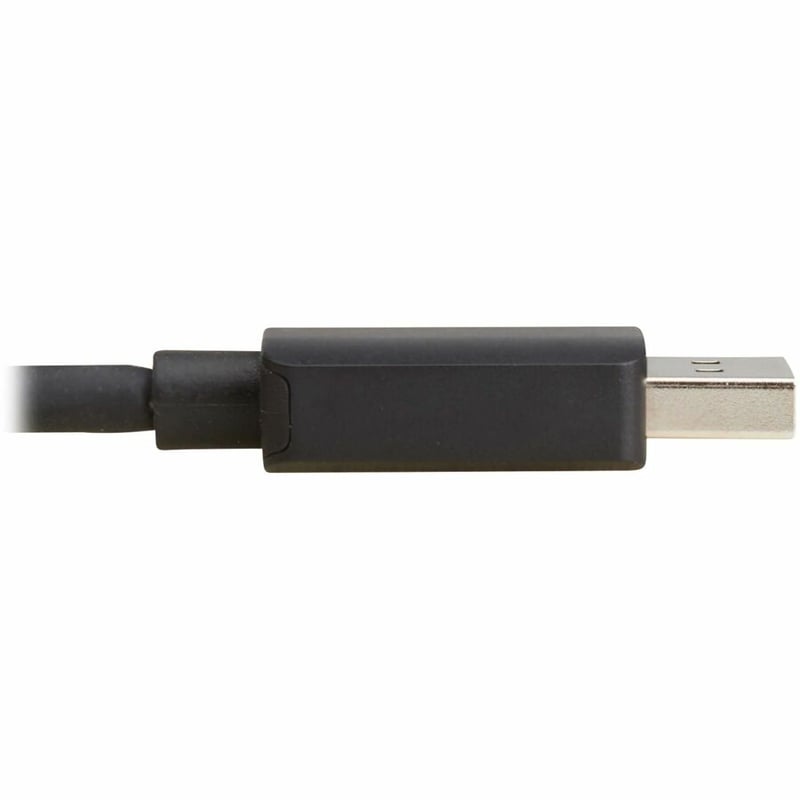
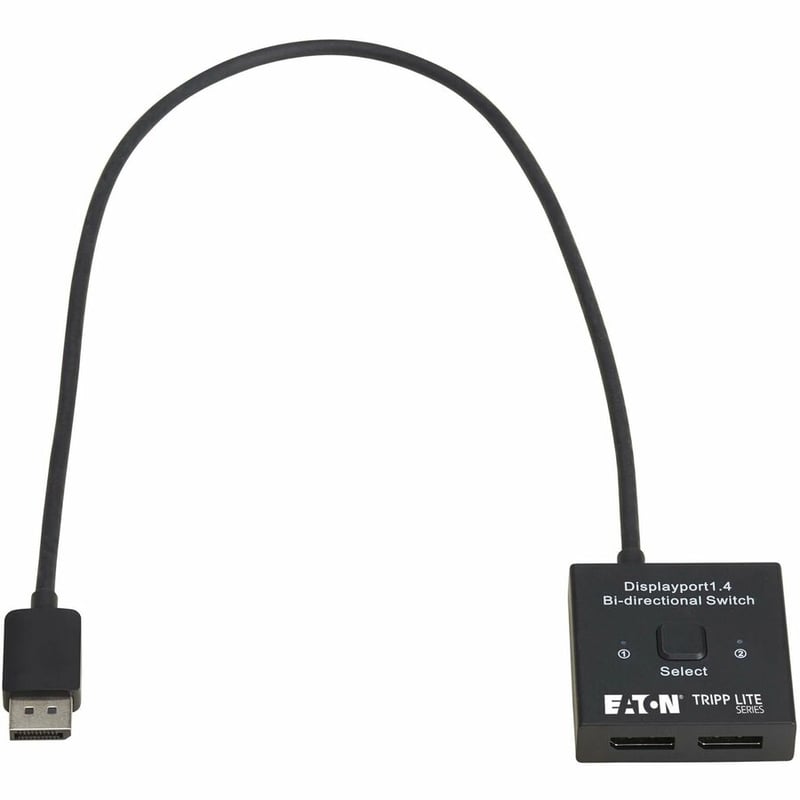
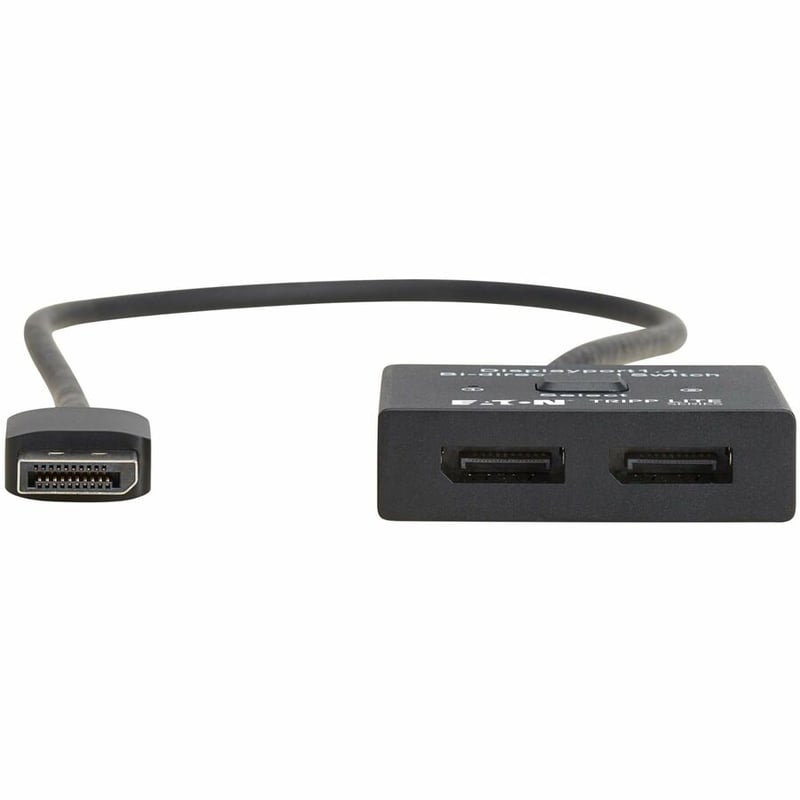
Connect 2 Audio/Video Sources to a Display or 2 Displays to a Single A/V SourceThe B119-002-BDS-DP connects two DisplayPort source devices to one DisplayPort display and lets you switch back and forth between them. Or you can connect two displays to a single source and switch between the displays. This bi-directional DisplayPort switch works with a wide range of sources (media servers, Blu-ray players, game consoles, etc.) and displays (televisions, monitors, projectors) to let you customize your A/V installation.Suitable for a Wide Range of Audio/Video Applications for Work or PlayThis switch is recommended anywhere a variety of video signals is transmitted to a hi-def display. It is suitable for home theaters, video and multimedia presentations, security applications or digital signage in classrooms, bars, restaurants, conference rooms, lecture halls, exhibition centers and trade shows.Transmits Crystal-Clear 4K Video with HDRThis DisplayPort switch supports Ultra HD resolutions up to 8K at 30 Hz or 4K at 120 Hz with compressed and uncompressed audio. It also supports HDR (High Dynamic Range), providing a wide range of vibrant colors with richer contrast, brighter whites and deeper blacks that pop on your 4K display. HDCP passthrough allows you to stream 4K content with no loss in resolution.Plug-and-Play Operation for Quick Setup and Immediate UseThe switch works right out of the box with no software required. Connect your devices to the switch's DisplayPort ports with user-supplied DisplayPort cables (sold separately), and plug the switch's built-in DisplayPort cable into another device. Use the push button on top of the unit to switch between the dual ports. The B119-002-BDS-DP draws power through the built-in DisplayPort cable, but a USB-C port is included if additional 5V backup power is needed (external power supply sold separately).
OVERVIEW
2X1 BIDIRECT DISPLAYPORT SWITCH 4K120HZ 8K30HZ HDR HDCP PASSTHROUGH

Connect 2 Audio/Video Sources to a Display or 2 Displays to a Single A/V SourceThe B119-002-BDS-DP connects two DisplayPort source devices to one DisplayPort display and lets you switch back and forth between them. Or you can connect two displays to a single source and switch between the displays. This bi-directional DisplayPort switch works with a wide range of sources (media servers, Blu-ray players, game consoles, etc.) and displays (televisions, monitors, projectors) to let you customize your A/V installation.Suitable for a Wide Range of Audio/Video Applications for Work or PlayThis switch is recommended anywhere a variety of video signals is ...
PACKAGE CONTENTS
FEATURES & DESIGN
Key Specifications
| Connectivity Technology | Cable |
|---|---|
| Number of Input Devices Supported | 2 |
| Device Supported | Media PlayerBlu-ray Disc PlayerGaming ConsoleDisplayTVMonitorProjector |
| Number of Displays Supported | 2 |