CONTACT US

PRODUCT HIGHLIGHTS
- Shipping Weight15 lbs.
- 21.5" Viewable
- TouchPro Projected Capacitive
- 10 Point(s) Multi-touch Screen
- 1920 x 1080
- Full HD
- Thin Film Transistor (TFT)
- 16.7 Million Colors
- 250 Nit
- LED Backlight
- Speakers
- HDMI
- USB
- VGA
- DisplayPort
- White
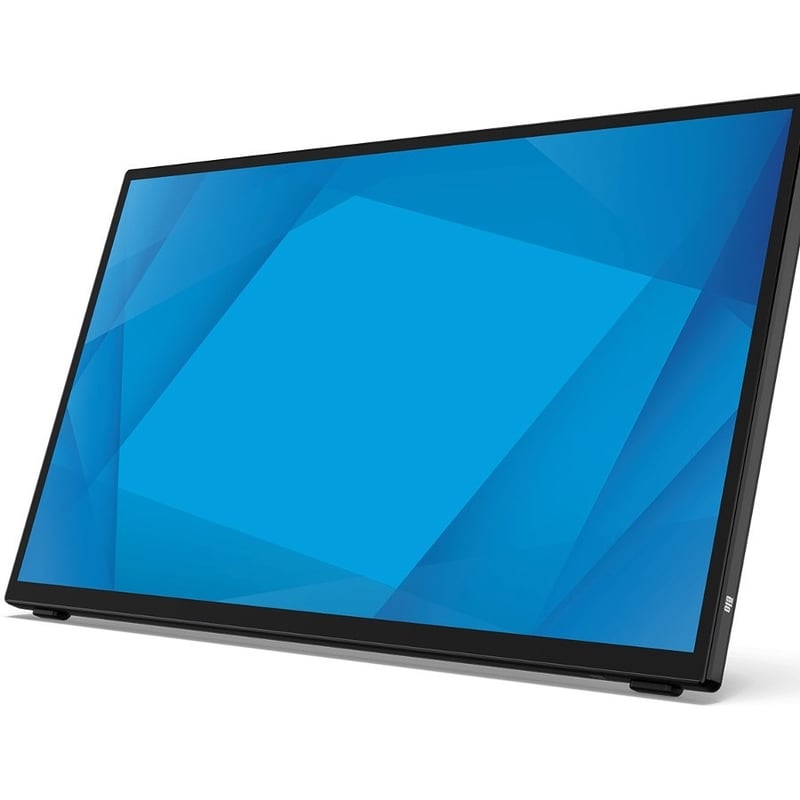
Elo 2270L 22" Class LCD Touchscreen Monitor - 16:9 - 14 ms
Checking delivery estimate…
PRODUCT HIGHLIGHTS
- Shipping Weight15 lbs.
- 21.5" Viewable
- TouchPro Projected Capacitive
- 10 Point(s) Multi-touch Screen
- 1920 x 1080
- Full HD
- Thin Film Transistor (TFT)
- 16.7 Million Colors
- 250 Nit
- LED Backlight
- Speakers
- HDMI
- USB
- VGA
- DisplayPort
- White
Overview
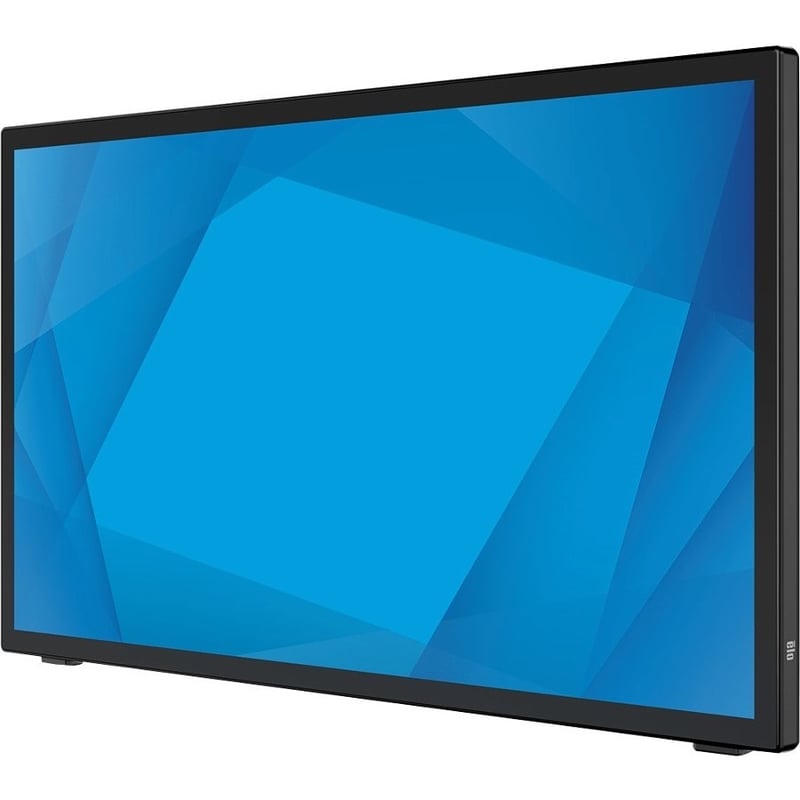
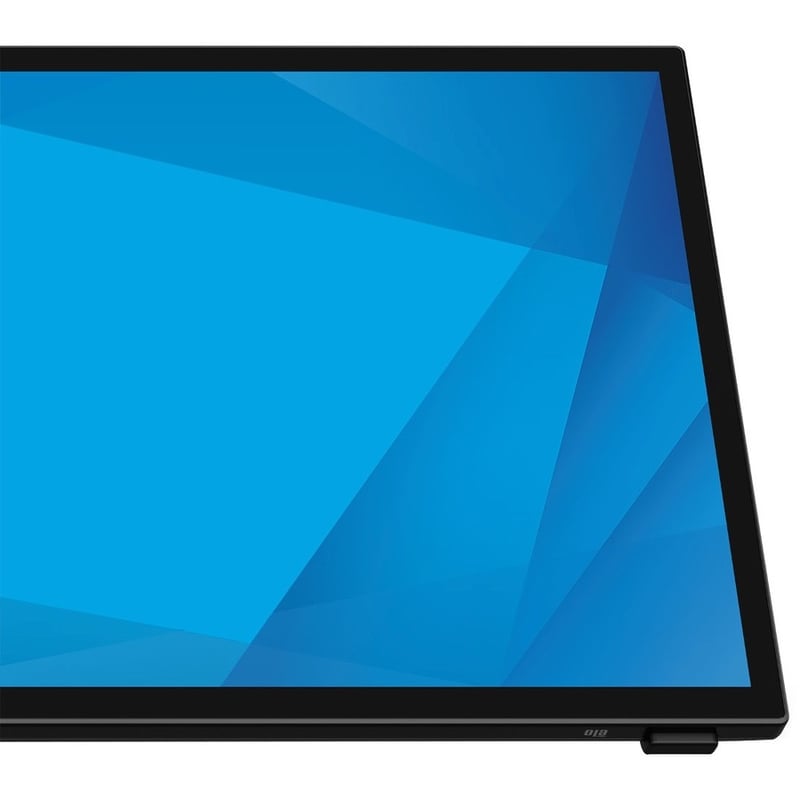
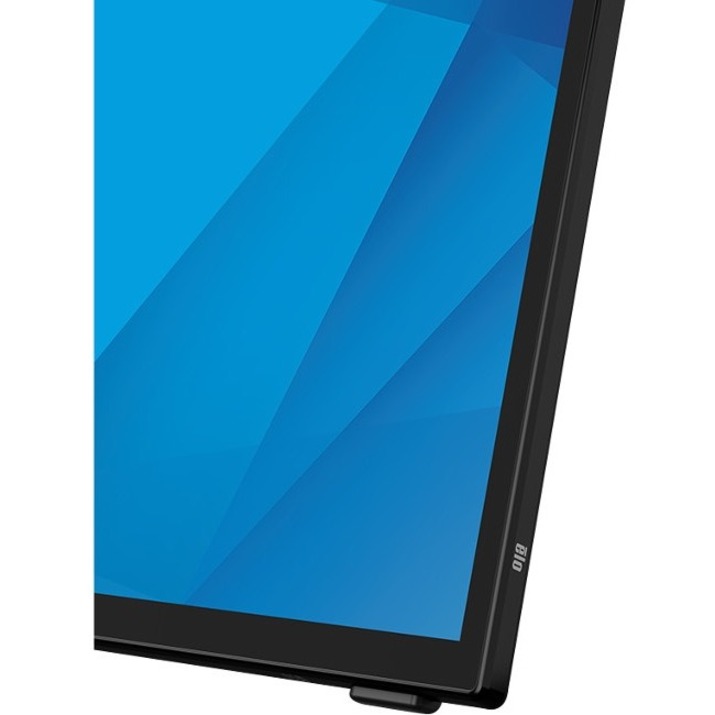
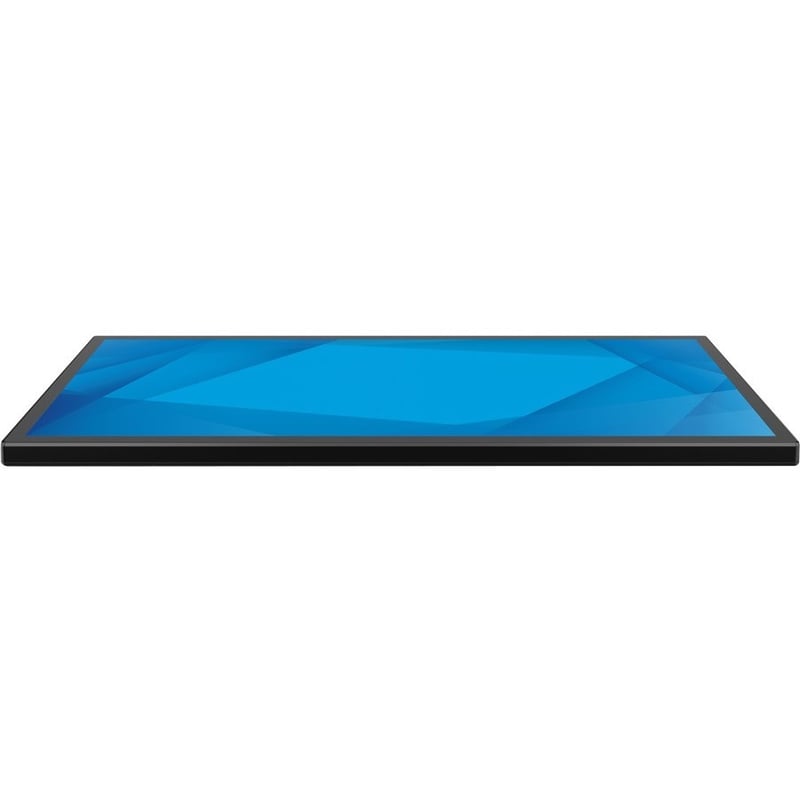
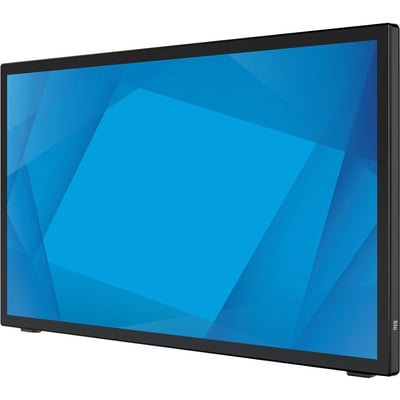
The bezel just got smaller. The 2270L 22\" touchscreen offers up to a 70% reduction in the bezel compared to similar models.Minimalistic design to fit any space. From 20 degrees to 70 degrees, angle the display where you want it. Place it on a desktop, mount it on a wall or configure the 2270L to fit your space with VESA compatibility. Built-inSpeakers and integrated IO.Durable, energy efficient touchscreen. Scratch-resistant glass surface. IK07 impact resistant. ES8.0 certified for greater energy efficiency. Increase viewing comfort with low blue light and flicker free features. Navigate the OSD directly on the touchscreen. We have made it easier to manage your On-Screen Display (OSD) controls - Now you can use the touchscreen or the controls you are used to on the rear side of the monitor.","The bezel just got smaller. The 2270L 22\" touchscreen offers up to a 70% reduction in the bezel compared to similar models.Minimalistic design to fit any space. From 20 degrees to 70 degrees, angle the display where you want it. Place it on a desktop, mount it on a wall or configure the 2270L to fit your space with VESA compatibility. Built-inSpeakers and integrated IO.Durable, energy efficient touchscreen. Scratch-resistant glass surface. IK07 impact resistant. ES8.0 certified for greater energy efficiency. Increase viewing comfort with low blue light and flicker free features. Navigate the OSD directly on the touchscreen. We have made it easier to manage your On-Screen Display (OSD) controls - Now you can use the touchscreen or the controls you are used to on the rear side of the monitor.
Elo 2270L 22" Class LCD Touchscreen Monitor - 16:9 - 14 ms

OVERVIEW
Elo 2270L 22" Class LCD Touchscreen Monitor - 16:9 - 14 ms
The bezel just got smaller. The 2270L 22\" touchscreen offers up to a 70% reduction in the bezel compared to similar models.Minimalistic design to fit any space. From 20 degrees to 70 degrees, angle the display where you want it. Place it on a desktop, mount it on a wall or configure the 2270L to fit your space with VESA compatibility. Built-inSpeakers and integrated IO.Durable, energy efficient touchscreen. Scratch-resistant glass surface. IK07 impact resistant. ES8.0 certified for greater energy efficiency. Increase viewing comfort with low blue light and flicker free features. Navigate the OSD directly on the touchscreen. We have ...
PACKAGE CONTENTS
No package contents information available.